
 Česky
Česky 0.00 Kč including VAT
ActivityMon Settings
Application settings can be accessed using two methods.

The first one is to use the Settings item of the ActivityMon folder within the Start menu. This method cannot be use when the product has been installed as invisible.
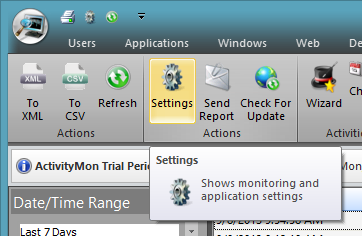
The second method of accessing application settings is related to Activities Viewer, description of starting it can be found here. After its start switch to Tools tab, then click the Settings button to start the application settings.
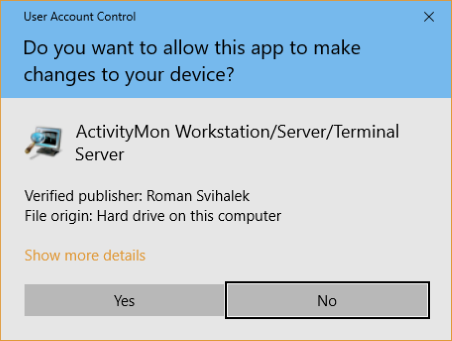
On the newer versions of Microsoft® Windows® operating systems user can be asked to confirm the start of the Elevated.exe application.
 Monitoring |
 Data Distribution |
 Secret Start |
 User Interface |
 Screenshots |
|
 Language |
 Logging |